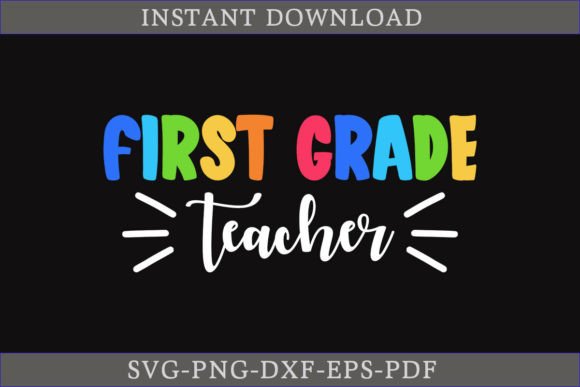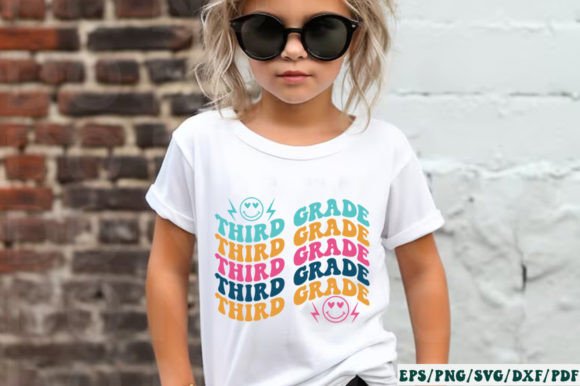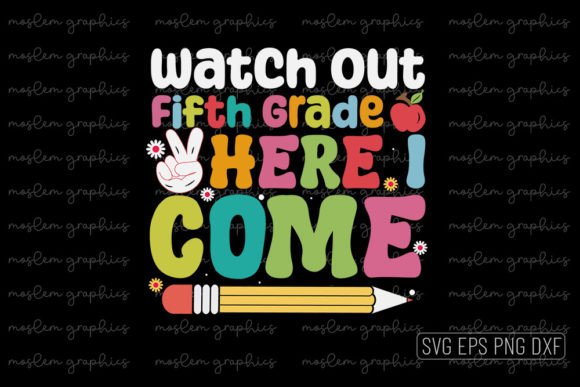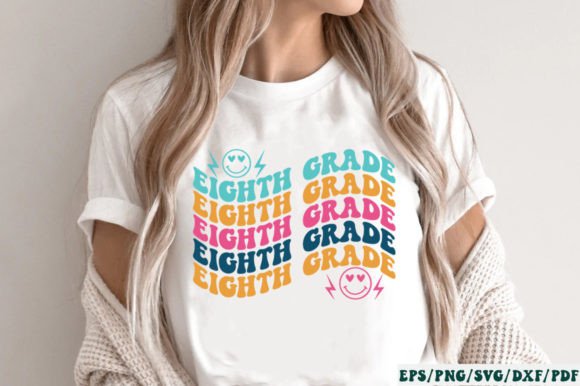
Fourth Grade Retro SVG: A Practical Guide for Educators and Crafters
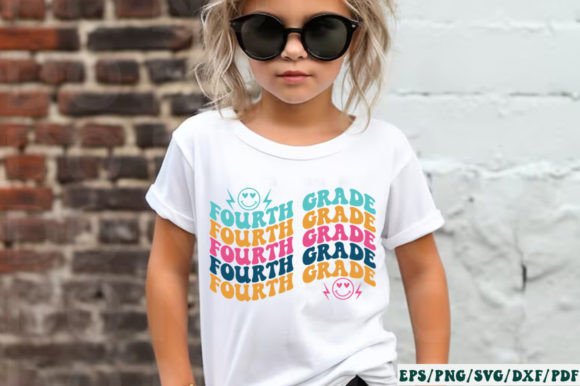
Fourth Grade Retro SVG refers to a curated collection of digital design files themed around nostalgic, mid-century-inspired school motifs—think chalkboard textures, vintage classroom posters, typewriter fonts, and 1970s-style color palettes—all tailored specifically for fourth-grade learning environments. Unlike generic back-to-school graphics, this bundle emphasizes age-appropriate visual language: slightly more complex than kindergarten designs but still playful and legible for nine- and ten-year-olds. It’s not just about aesthetics—it reflects how children at this developmental stage respond to visual cues that balance familiarity with emerging independence.
What Sets Fourth Grade Retro SVG Apart from Broader Bundles
The “Retro Back to School SVG Bundle, Kindergarten SVG” includes assets spanning multiple grade levels, but the Fourth Grade Retro SVG subset stands out due to its intentional design constraints. Where kindergarten-focused files prioritize large shapes, high contrast, and minimal detail, Fourth Grade Retro SVG introduces subtle layering, light texture overlays (like grain or halftone), and slightly denser typography—still readable at small sizes, but with enough visual interest to support project-based learning displays or student-led bulletin boards.
This distinction matters when evaluating usability. For example, a teacher creating personalized reading logs might choose Fourth Grade Retro SVG icons over kindergarten versions because they feel more mature without sacrificing clarity. Likewise, a parent crafting personalized pencil pouches for their fourth grader may find the retro aesthetic more aligned with their child’s evolving sense of identity than cartoonish alternatives.
Format Compatibility: Matching Files to Your Tools and Workflow
The bundle delivers five core formats—SVG, DXF, PNG, EPS, and PDF—each serving different technical needs:
- SVG: Best for Cricut Design Space, Silhouette Designer Edition, Make the Cut (MTC), Sure Cuts A Lot (SCAL), and Brother ScanNCut Canvas. Offers full vector scalability and layer control—ideal if you’re cutting vinyl, iron-on, or cardstock with precise alignment.
- DXF: Compatible with Silhouette Basic Edition and some entry-level CNC tools. Lacks color or fill data, so it’s best suited for simple cut lines rather than layered designs.
- PNG: A 300 DPI raster file with transparent background. Useful for digital classroom slides, printable worksheets, or social media posts—but not scalable without quality loss.
- EPS: A legacy vector format compatible with CorelDRAW, Inkscape (with import plugins), and Adobe Illustrator. Offers broad editing flexibility but may require manual cleanup in newer software versions.
- PDF: Primarily for printing or archival. Preserves layout integrity but isn’t editable in most craft software.
If your workflow relies heavily on Cricut machines or Silhouette Designer Edition, SVG is likely your primary format—and Fourth Grade Retro SVG delivers clean, well-named layers optimized for those platforms. But if you're using only Silhouette Basic Edition, you’ll rely on DXF files, which means some stylistic nuance (like inner shadows or gradient fills) won’t translate. That’s not a flaw in the bundle—it’s a limitation inherent to the DXF standard.
When Fourth Grade Retro SVG Fits—and When It Doesn’t
Fourth Grade Retro SVG works well in scenarios where consistency, age alignment, and cross-platform compatibility matter. Consider it if:
- You’re preparing classroom materials for a fourth-grade cohort and want cohesive visuals across name tags, award certificates, and anchor charts;
- You run a small education-themed craft business and need scalable, print-and-cut-ready files for custom supplies like laminated flashcards or fabric-covered notebooks;
- You’re integrating physical manipulatives into literacy or math instruction and need durable, visually engaging cutouts that reflect students’ current developmental stage.
It’s less ideal if:
- Your audience spans multiple grade levels and you need uniformity across K–5—then a broader bundle may offer better value, even if individual elements aren’t grade-specific;
- You work exclusively in non-vector workflows (e.g., Canva or Google Slides) and rarely cut or print at scale—PNG files alone may suffice, making the full-format bundle unnecessarily complex;
- You require photorealistic or highly detailed illustrations (e.g., realistic classroom scenes with perspective)—this bundle leans into stylized, graphic interpretation rather than realism.
Comparing Visual Tone Across Grade Levels
Retro design isn’t monolithic. What reads as “retro” for kindergarten—a bold, simplified apple with thick outlines and flat red/green colors—shifts meaningfully by fourth grade. Here, retro often implies muted earth tones, subtle line weight variation, and compositional balance reminiscent of 1960s educational posters. The Fourth Grade Retro SVG collection reflects that shift: letters have slight serifs, borders include thin rule lines, and iconography suggests activity (e.g., a child holding a magnifying glass instead of just a smiling face).
This tonal progression helps avoid infantilization. A fourth grader who sees themselves represented through thoughtful, age-respectful design is more likely to engage with materials—even something as routine as a homework tracker. Contrast that with bundles that reuse kindergarten assets across all grades: while functional, they risk sending unintended messages about capability and maturity.
Practical Integration Tips
Before downloading, consider how you’ll use the files day-to-day:
- Test one SVG file first in your preferred software—check layer naming, grouping logic, and whether stroke/fill assignments behave as expected. Some platforms auto-convert strokes to paths; others preserve them, affecting cut precision.
- Use PNGs for quick digital deployment—drop them into Google Docs for editable templates, or layer them in Canva for social media announcements. Their transparency eliminates background removal steps.
- Reserve EPS for advanced editing if you plan to recolor, resize, or combine elements in Illustrator or CorelDRAW. Just remember that older EPS versions may not embed fonts or gradients reliably.
- Store the zipped folder systematically. Rename subfolders by format (e.g., “SVG_Cut”, “PNG_Digital”) to reduce friction during lesson prep or production runs.
Limitations Worth Acknowledging
No digital bundle solves every need. Fourth Grade Retro SVG doesn’t include editable text fields—you’ll need to add names or dates manually in your design software. It also doesn’t provide curriculum-aligned content (e.g., Common Core standards badges or subject-specific vocabulary). Those must be layered in separately. Additionally, while the retro palette is cohesive, it may not match existing classroom décor—especially if you’ve invested in bright, modern themes. That’s not a shortcoming; it’s a design choice prioritizing stylistic integrity over universal compatibility.
Also note: “Retro” here references mid-century American school aesthetics—not global or culturally specific interpretations. If your context calls for bilingual labels, culturally responsive symbols, or accessibility enhancements (e.g., high-contrast variants), those would need customization beyond the included files.
Making an Informed Choice
Deciding whether Fourth Grade Retro SVG suits your goals depends less on feature lists and more on alignment with your real-world constraints: your software stack, time available for customization, audience age range, and desired visual tone. It excels when you need reliable, grade-conscious retro styling across multiple output methods—not as a one-size-fits-all solution, but as a focused tool within a larger resource ecosystem.
For educators balancing creativity with efficiency, or crafters serving niche education markets, it offers tangible utility. For others, evaluating alternatives—whether broader bundles, custom illustration services, or free open-source resources—may yield better fit. The key is matching format flexibility, visual appropriateness, and technical readiness—not chasing volume or trendiness.